

Reports
Reports has two tabs: Activity (who did what) and Inventory worth (what your stock is worth). Everyone can see Activity; Inventory worth is for managers and owners.
Activity
Section titled “Activity”Everything that happened in the shop, newest first: cards taken in, sales, count corrections, price changes, buys, Square, team changes, settings and sign-ins.
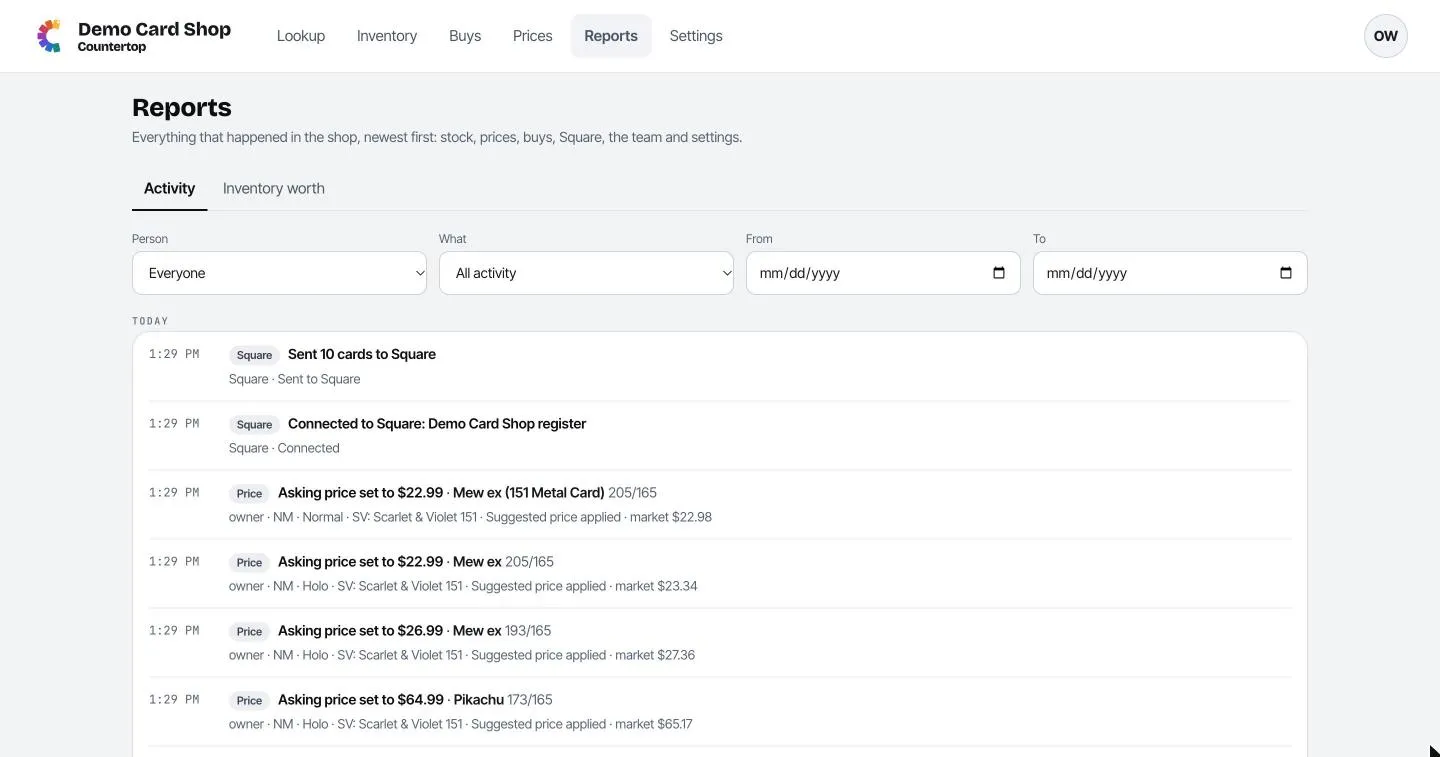
Narrow it down with the filters at the top:
- Person: one teammate, or everyone.
- What: one kind of activity, like Sales or Asking prices.
- From / To: a date range.
Click Show older at the bottom to go further back.
Inventory worth
Section titled “Inventory worth”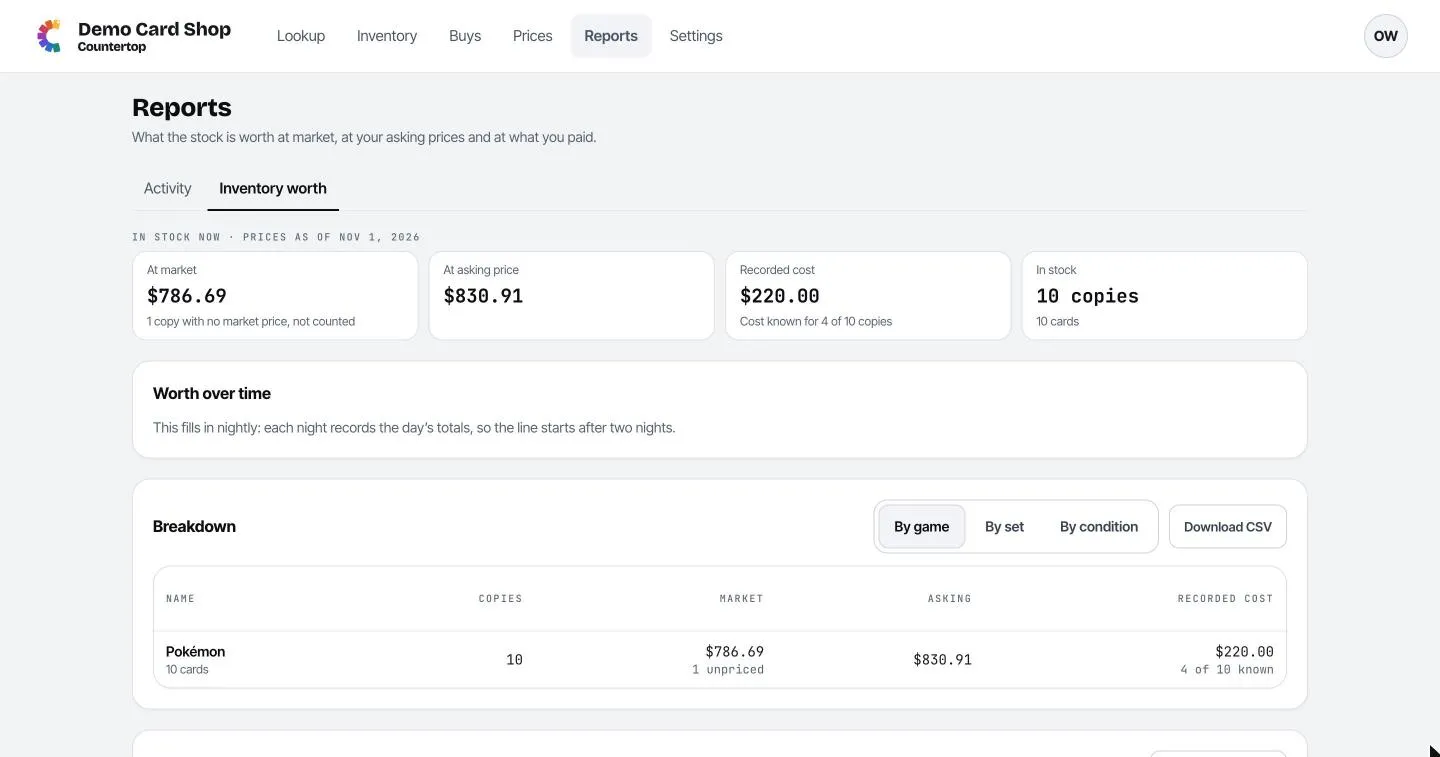
- At market: what your stock is worth at today’s market prices.
- At asking price: what it would bring in at your own prices.
- Recorded cost: what you paid, for the copies where you entered a cost. It tells you how many copies that covers.
- In stock: how many copies and cards you have.
- Worth over time: a chart that builds up night by night. It starts after two nights.
- Breakdown: the same numbers by game, by set or by condition. Download CSV saves it as a spreadsheet.
- Copies sold: how many copies sold over the last 30 days, 12 weeks or 12 months.
Days in Reports follow your shop’s time zone (set in Settings → Shop).